The Zozimus Approach: Public Relations
What is the best way to get that story out there? Our Public Relations team is made up of storytellers, with the goal of getting
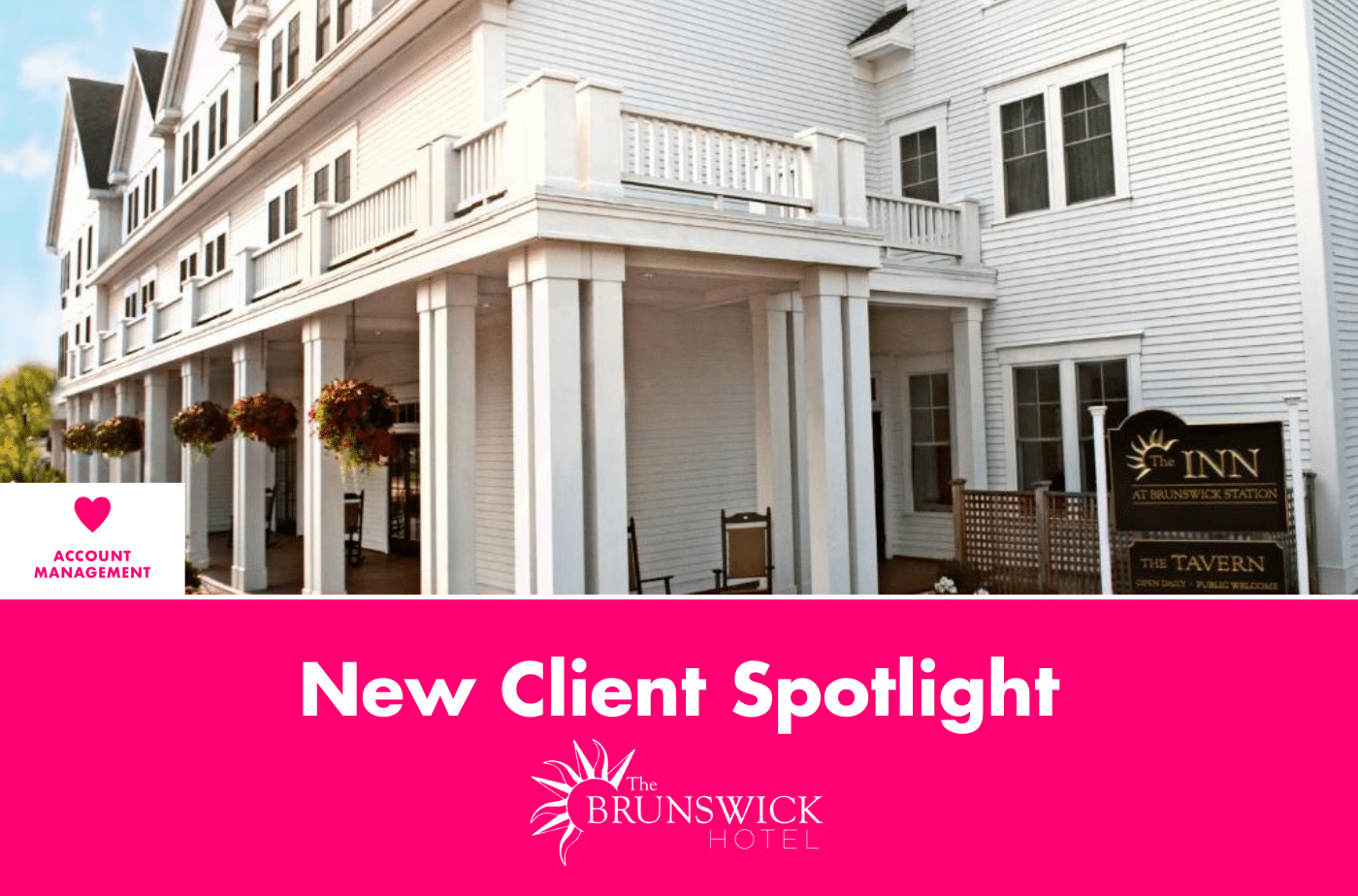
New Client Spotlight: The Brunswick Hotel
We are thrilled to announce our latest client, The Brunswick Hotel. The Brunswick Hotel is a boutique hotel located in historic and picturesque Brunswick, Maine.
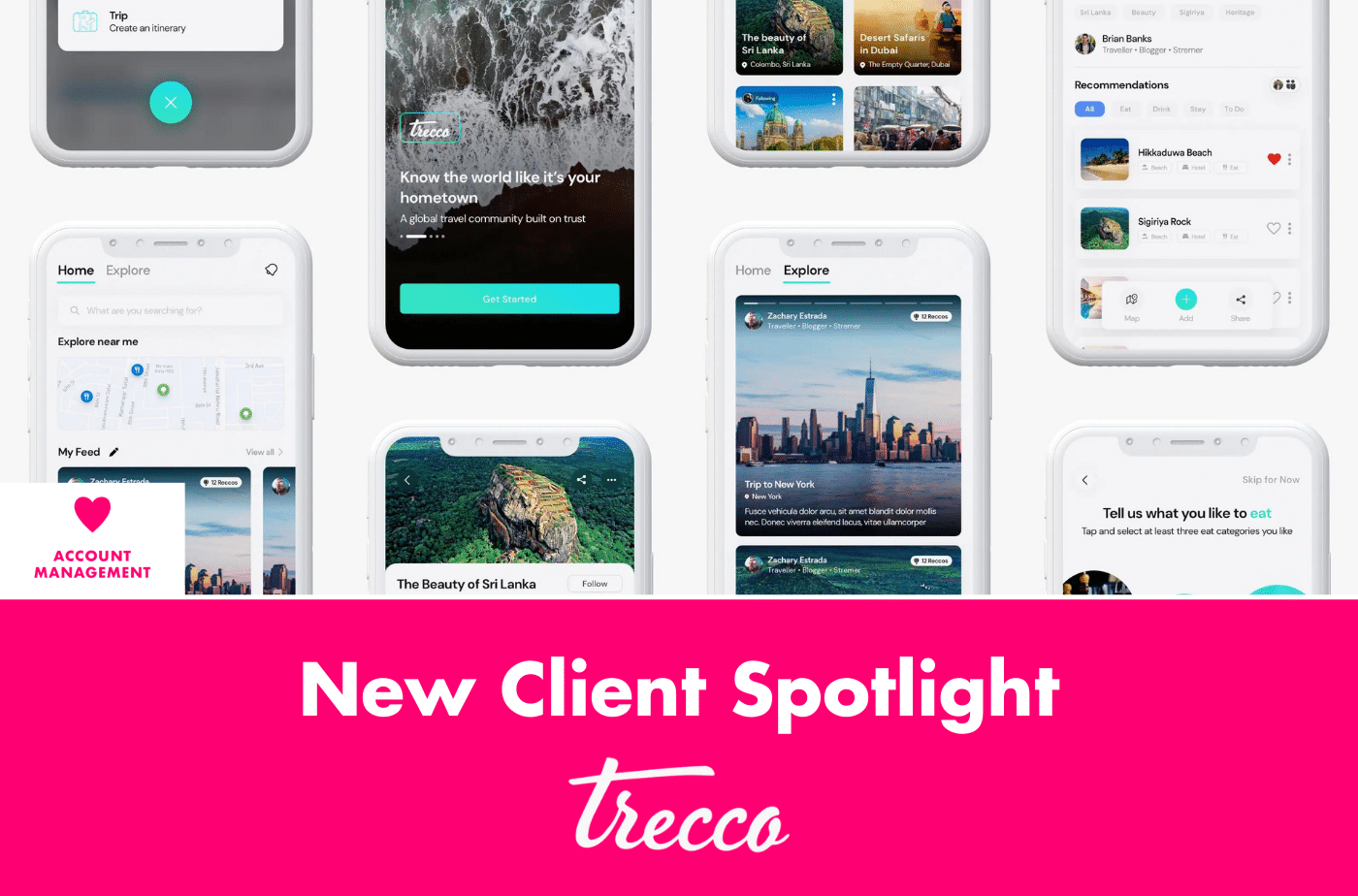
New Client Spotlight: Trecco
We are thrilled to announce our latest client, Trecco. Trecco is a community-driven recommendation platform built for travel and food lovers. Their app helps users

How We Generated Millions in Revenue for a Global Medical Device Leader
When a global medical device company sought to increase revenue through increased domestic sales and expansion into international markets, they faced a complex challenge. The
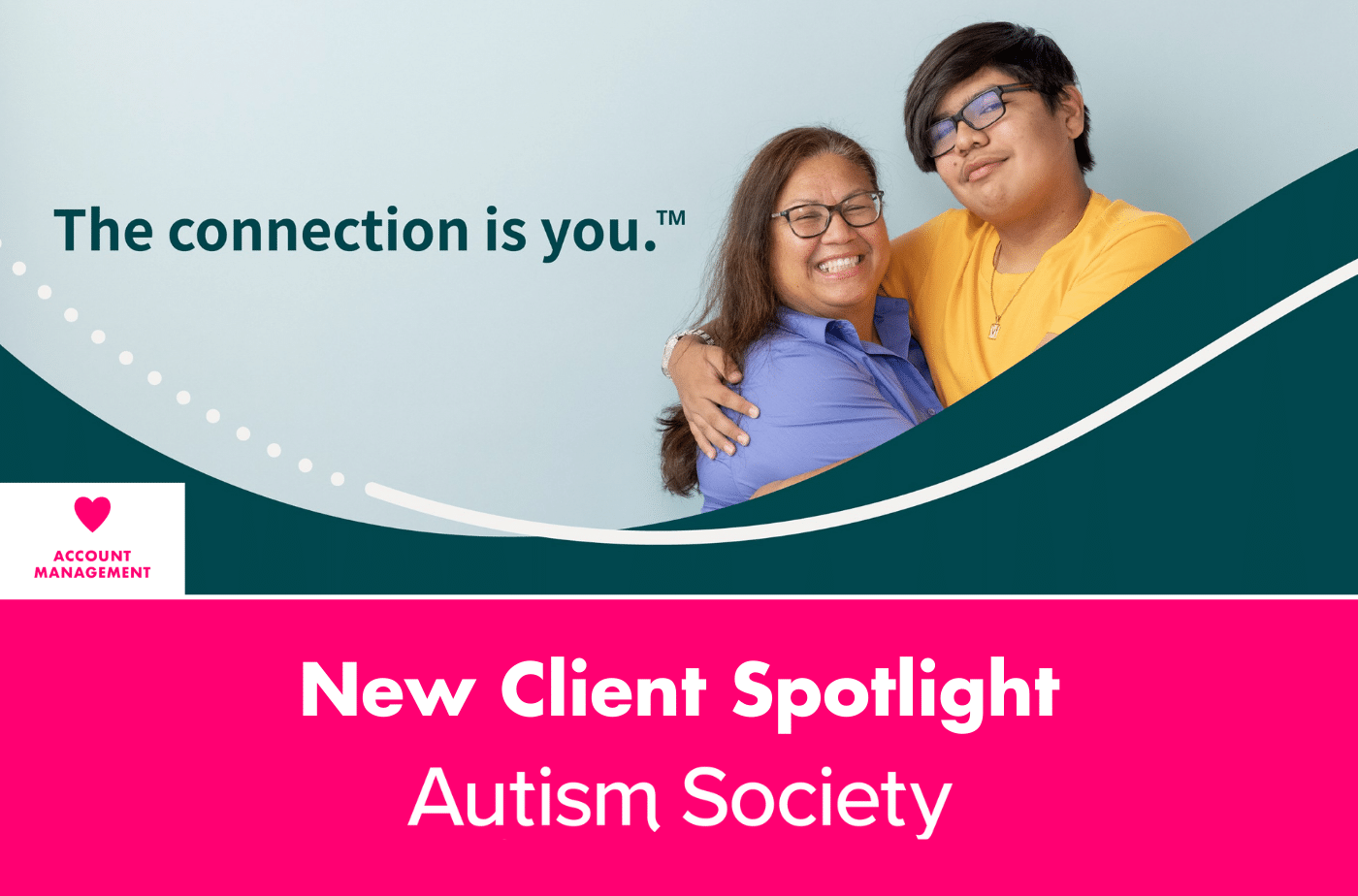
New Client Spotlight: The Autism Society
We are thrilled to announce our latest client, The Autism Society. The Autism Society, founded over 58 years ago, is focused on connecting people to
The Zozimus Approach: Digital Marketing
At Zozimus, we put the “performance” in performance digital marketing by focusing on delivering the right message to the right person at the right time
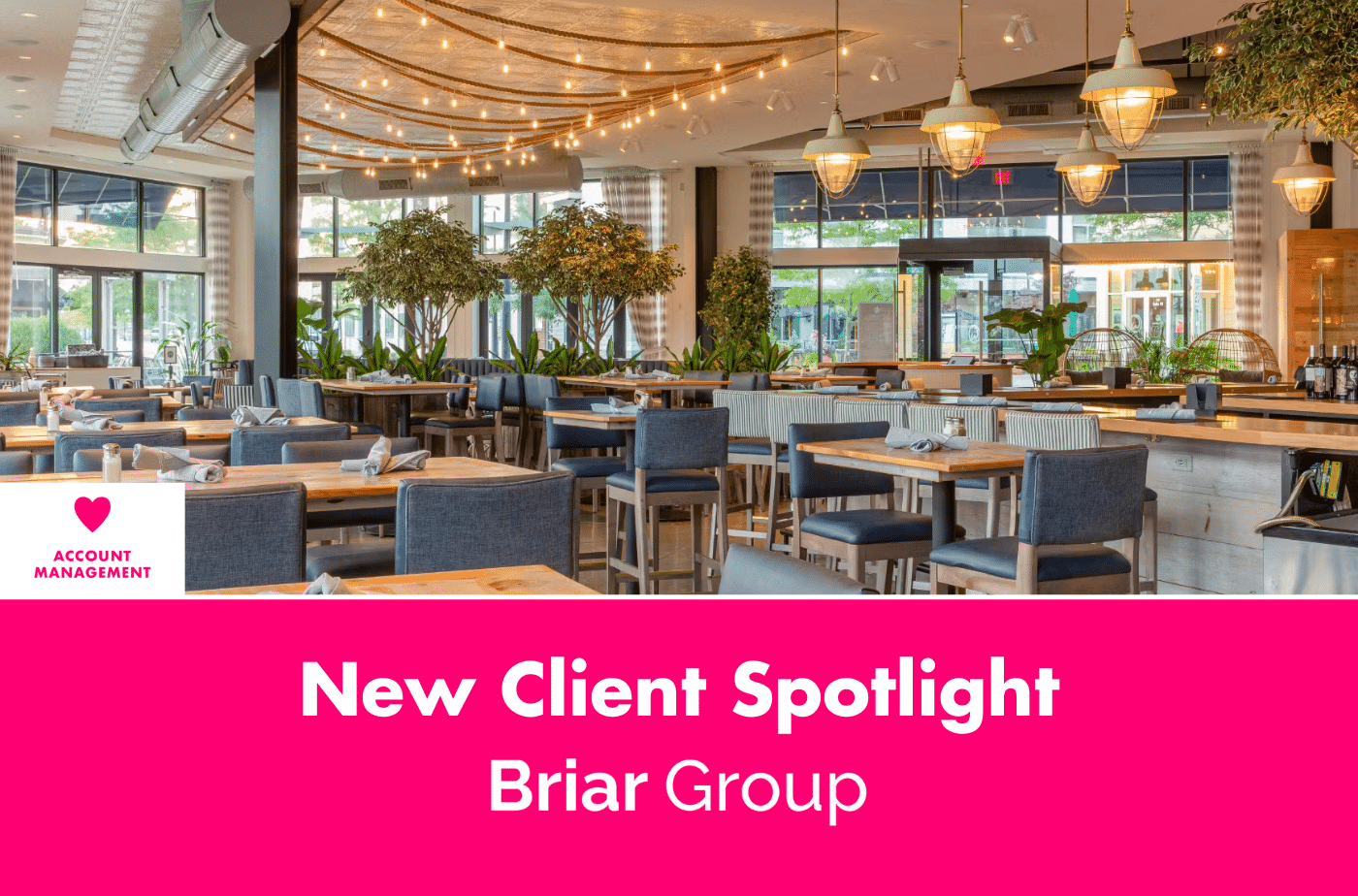
New Client Spotlight: The Briar Group
We are thrilled to announce our latest client, The Briar Group. The Briar Group is a Boston-based hospitality group focused on bringing innovative and quality

Traversing the Void: Compelling Higher Education Content Strategies for Spring Semester
Our team is focused on staying on top of trends for our clients, specifically in the higher education space. Our Social Media Strategist, Jamie Garrett
Messages from Mars: The Changing Landscape of Web Cookies & ABM Strategies
Hello and welcome back to Messages From Mars hosted by Zozimus Agency. We’re here with episode seven, bringing our expertise from our fellow Zozies to